
Browse all guides
Policies and required reading
Read department policies, complete assigned acknowledgments, and review completion reporting.
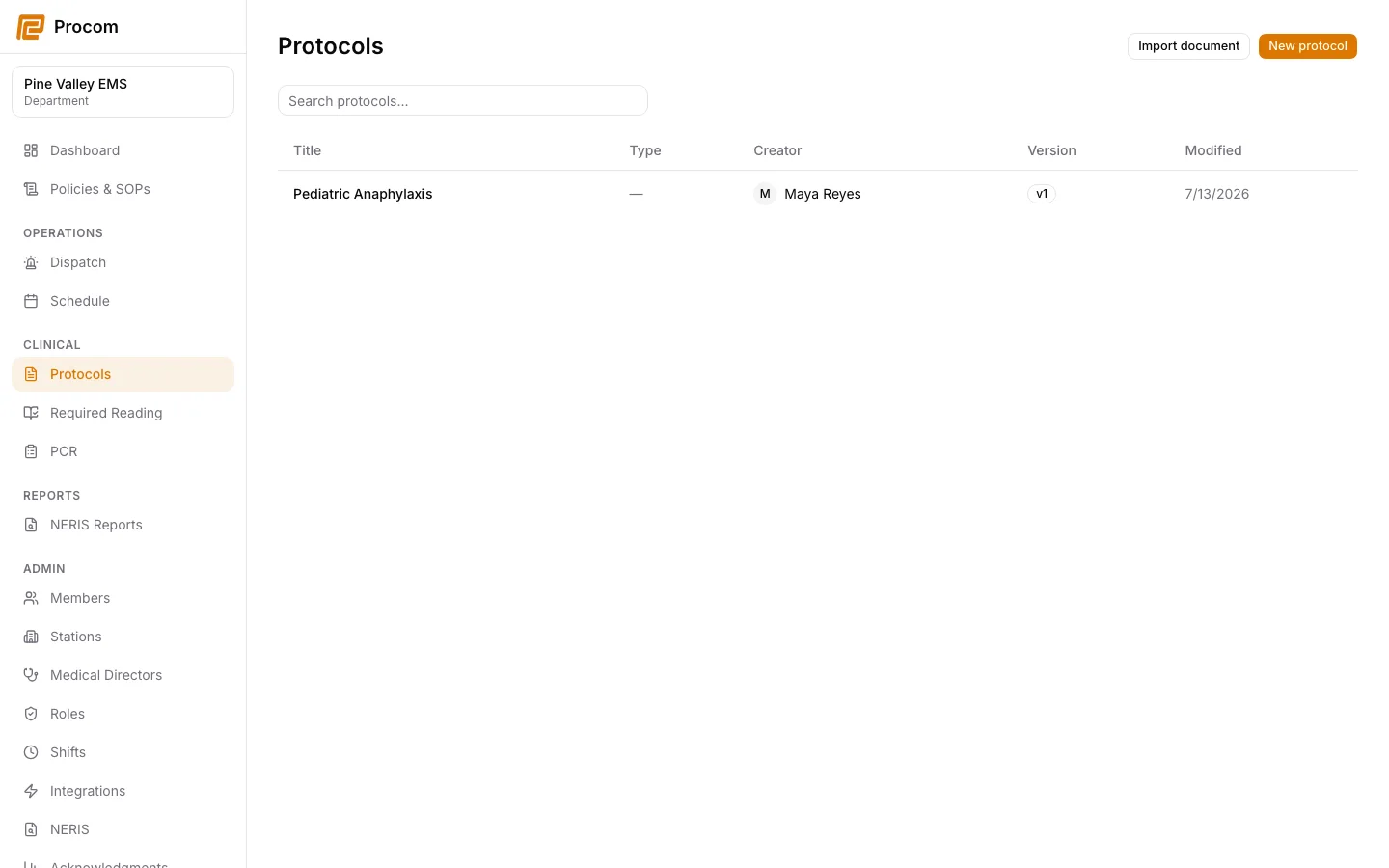
Read the current policy catalog
Open Policies & SOPs to browse department policies. Confirm the title and published version before relying on a document.
Open Required Reading
Assignments that require your acknowledgment appear under Clinical → Required Reading. Open the assignment to read the captured document version.
Acknowledge only after reading
Review the complete assigned version, then use the acknowledgment action. The receipt records the specific document and version presented to you.
Track completion as an admin
Authorized admins use Admin → Acknowledgments to create assignments and review completion status without changing the underlying document history.
Keep support material free of protected information
These examples use synthetic records. Never capture or send patient information, passwords, API keys, access tokens, or real incident details when asking for help.