
Browse all guides
Guided protocol execution on mobile
Use the mobile app to open the correct published protocol, record progress, and preserve an accurate execution history.
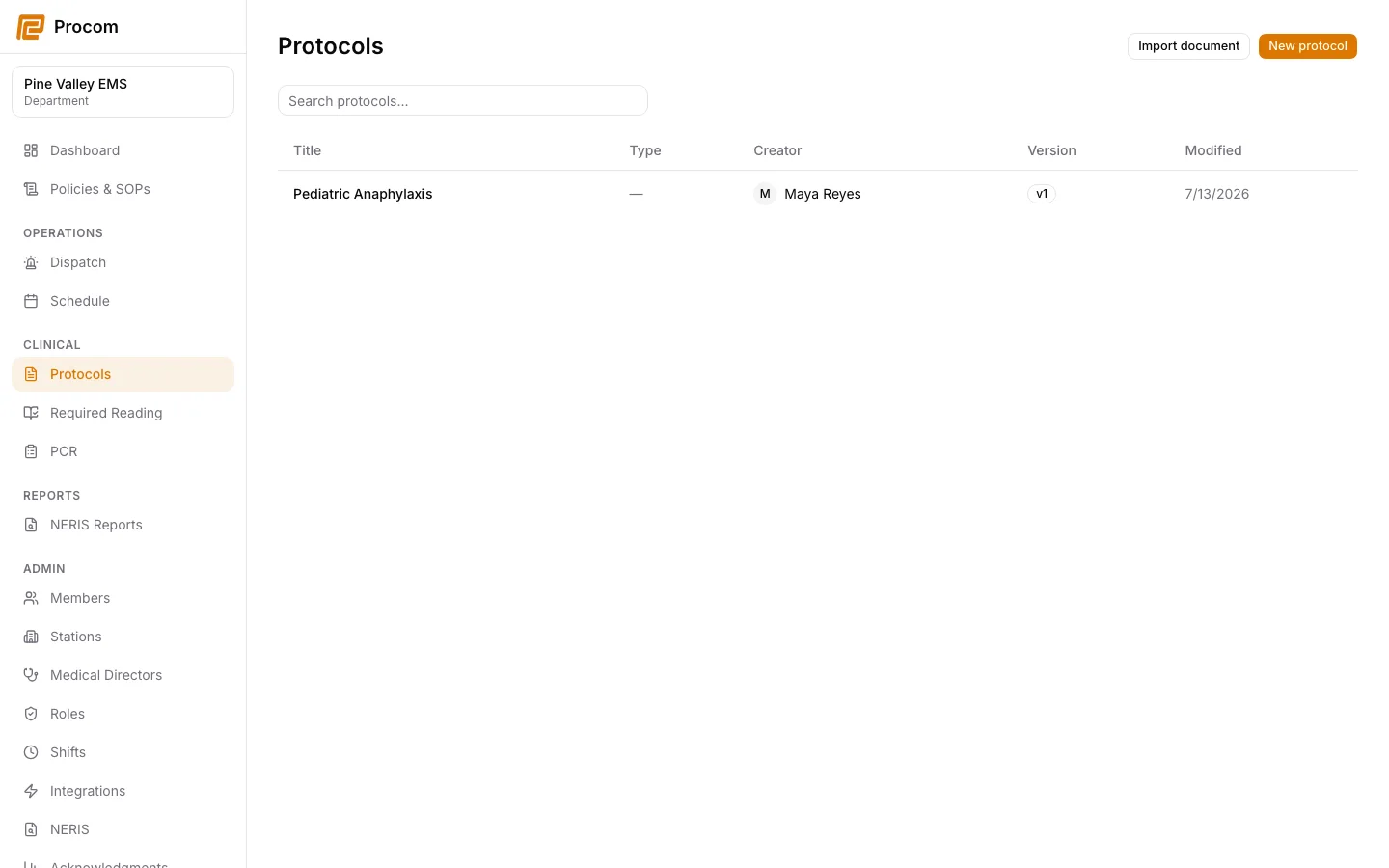
Confirm the protocol and version
In the mobile app, open the protocol from search or a dispatch recommendation. Confirm the title, clinical context, owner, and published version before starting guided execution.
Start one execution for the event
Use the guided execution action and avoid creating duplicate executions when reconnecting or retrying. Procom preserves a stable submission identifier for safe retries.
Record actions as they occur
Move through ordered items and record the applicable actions at the time they occur. Review warnings and surrounding clinical content, not only the checkable item.
Review before completion
Confirm the captured steps and timestamps, then continue to any linked PCR workflow. Offline submissions remain queued for the same signed-in user and department until they can sync.
Keep support material free of protected information
These examples use synthetic records. Never capture or send patient information, passwords, API keys, access tokens, or real incident details when asking for help.