
Browse all guides
Protocol collaboration and version history
Coordinate draft access, handle edit conflicts, compare versions, and restore safely.
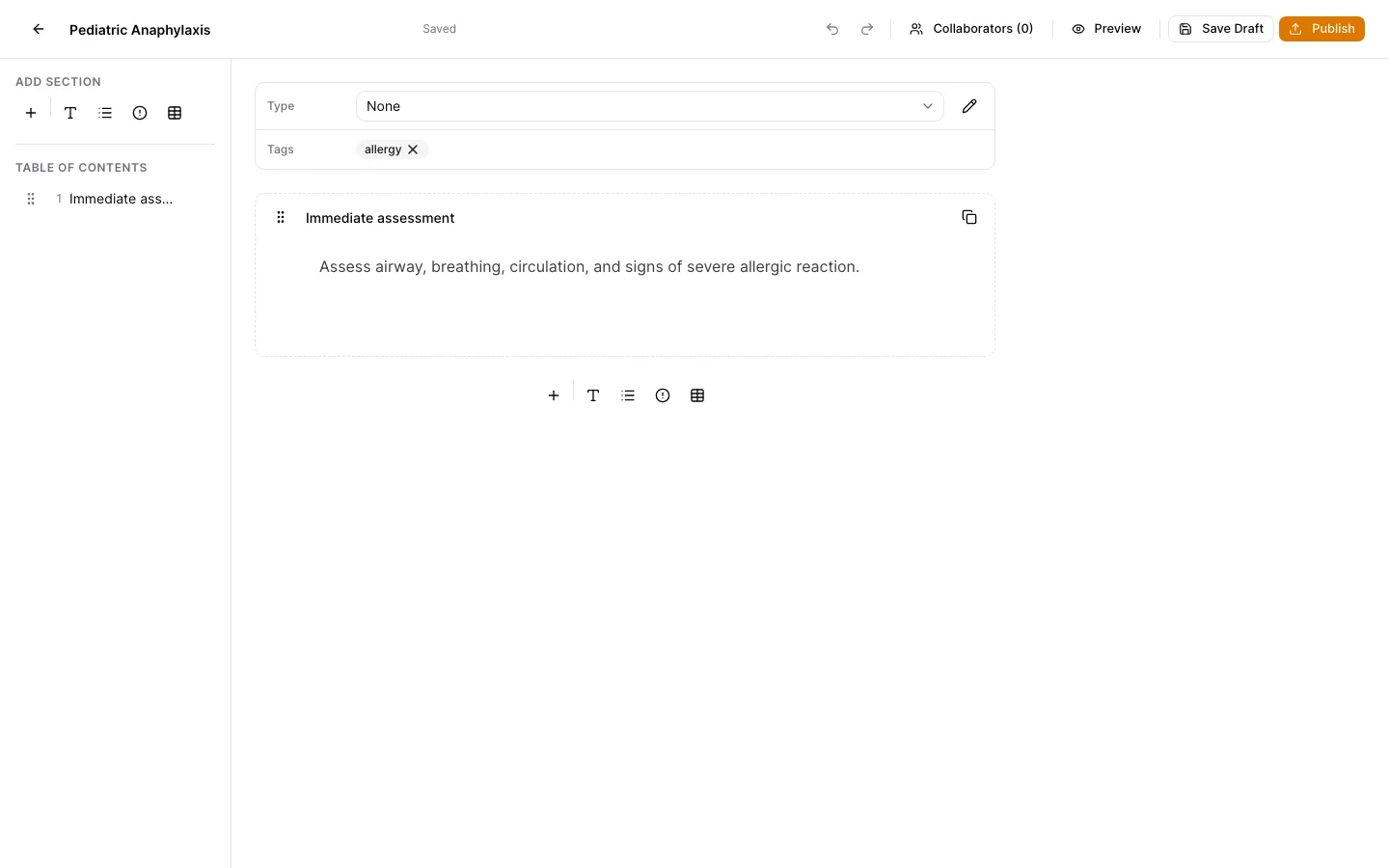
Give draft access deliberately
Use the collaboration control in an active draft to review and manage the people who can participate in that draft.
Watch the save state
The editor reports draft save state. Resolve any connection or revision warning before closing the page or publishing.
Resolve revision conflicts
If another edit supersedes your local draft revision, review the conflict dialog instead of overwriting it. Reload the current draft and reapply only the intended change.
Compare published versions
Open History from a published protocol to compare titles, tags, sections, formatting, taxonomy, and contributors across immutable versions.
Restore into a draft
Restoring a historical version creates a new draft for review. It never changes the old snapshot or publishes automatically.
Keep support material free of protected information
These examples use synthetic records. Never capture or send patient information, passwords, API keys, access tokens, or real incident details when asking for help.