
Browse all guides
Members, roles, stations, and shifts
Invite people, apply least-privilege roles, maintain stations, and manage department structure.
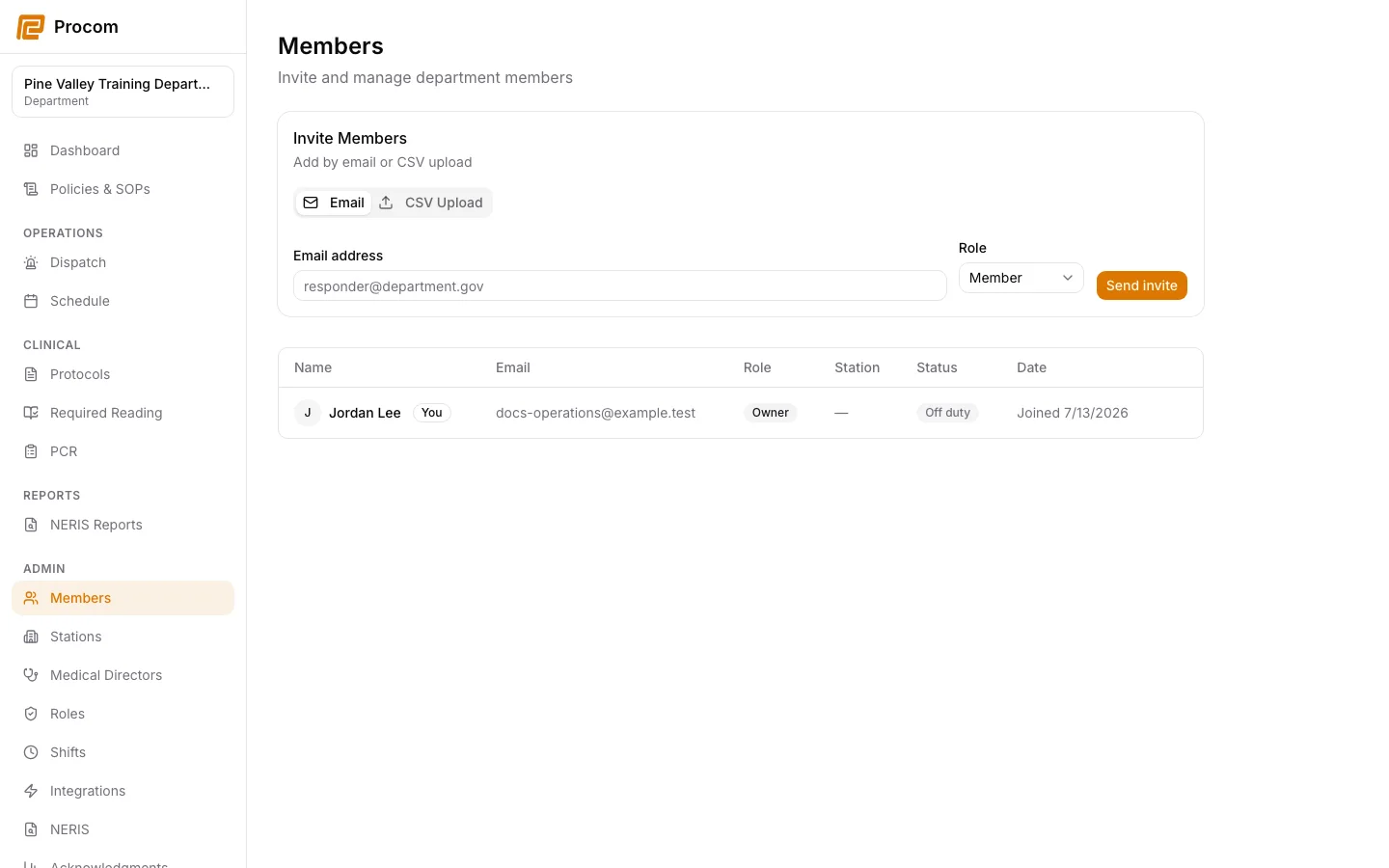
Invite a member
Open Admin → Members, enter the person’s work email, and select the least-privilege role that matches their responsibilities.
Use roles intentionally
Review built-in and custom role capabilities under Admin → Roles. Do not grant administrative or clinical permissions simply to solve a navigation issue.
Maintain stations and assignments
Use Admin → Stations to keep the department’s operational locations and member relationships current.
Maintain shift definitions
Use Admin → Shifts for reusable shift configuration, then confirm that operational schedules reflect the intended coverage.
Offboard promptly
When access should end, remove the department membership using the approved workflow. Procom revokes active sessions before removing live operational access and preserves required evidence.
Keep support material free of protected information
These examples use synthetic records. Never capture or send patient information, passwords, API keys, access tokens, or real incident details when asking for help.