
Browse all guides
HIPAA access and audit history
Understand protected sessions, idle expiration, audit evidence, and safe shared-device use.
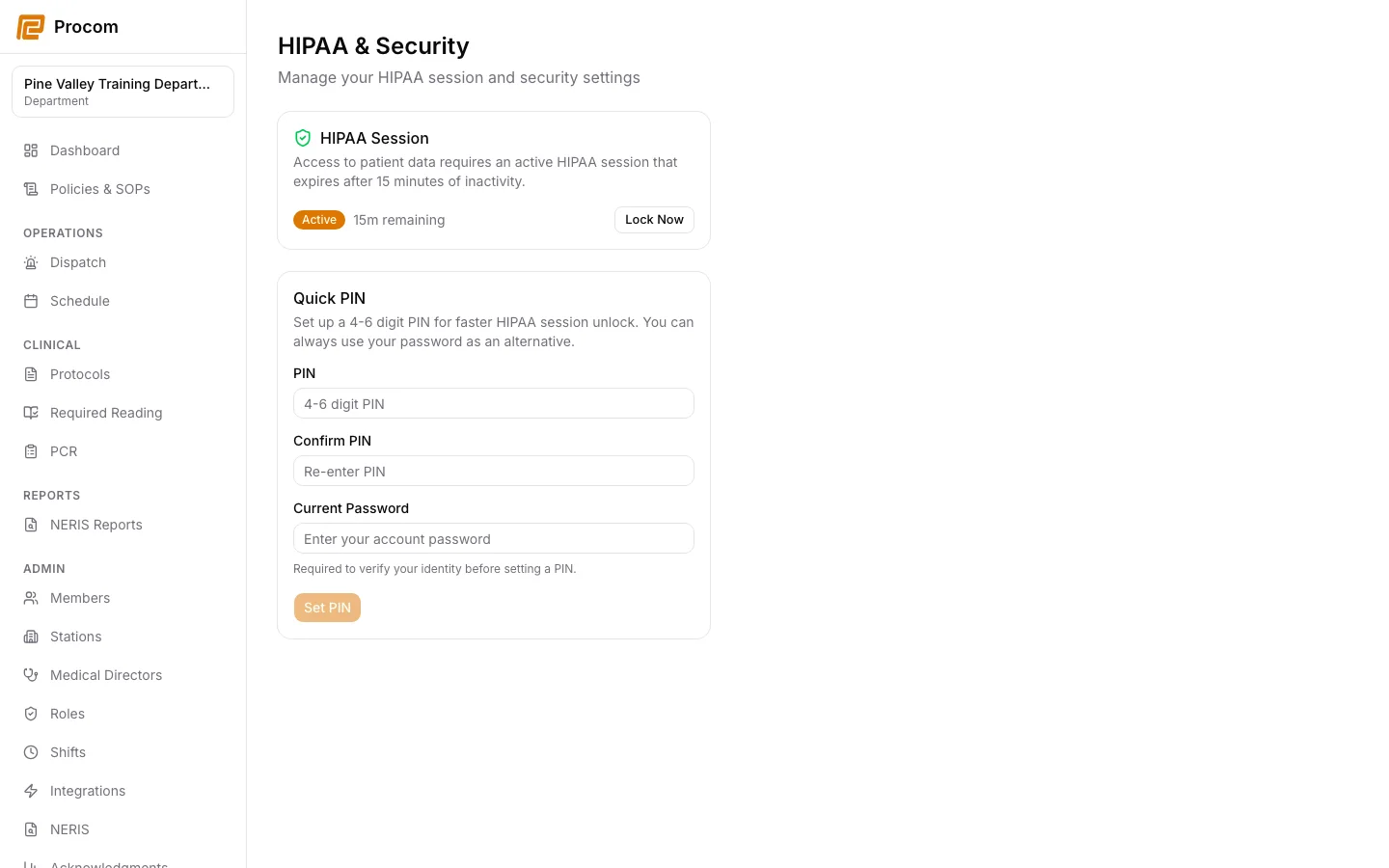
Understand the two security layers
Your account session identifies you. A separate short-lived HIPAA session is required before protected clinical records can be opened.
Unlock with your own verification method
Use the available password or configured PIN verification. Never approve another person’s protected access from your session.
Expect idle and hard expiration
The HIPAA session locks after inactivity and has an absolute lifetime. Re-verify when prompted rather than attempting to bypass the lock.
Configure a Quick PIN only for yourself
When the option is available, use Account → HIPAA to configure your own Quick PIN after password verification. Treat the PIN like a credential and never use another person’s PIN.
Review audit evidence
Authorized admins use Admin → Audit Log to review bounded activity evidence. Use exports only for an approved compliance purpose and store them according to department policy.
Keep support material free of protected information
These examples use synthetic records. Never capture or send patient information, passwords, API keys, access tokens, or real incident details when asking for help.