
Browse all guides
Create and publish policies and SOPs
Author a department policy, preview the exact document, publish a version, and retain history.
Start the department policy draft
Open Policies & SOPs and choose New policy. Enter a title that clearly distinguishes the policy from clinical protocols and other operational documents.
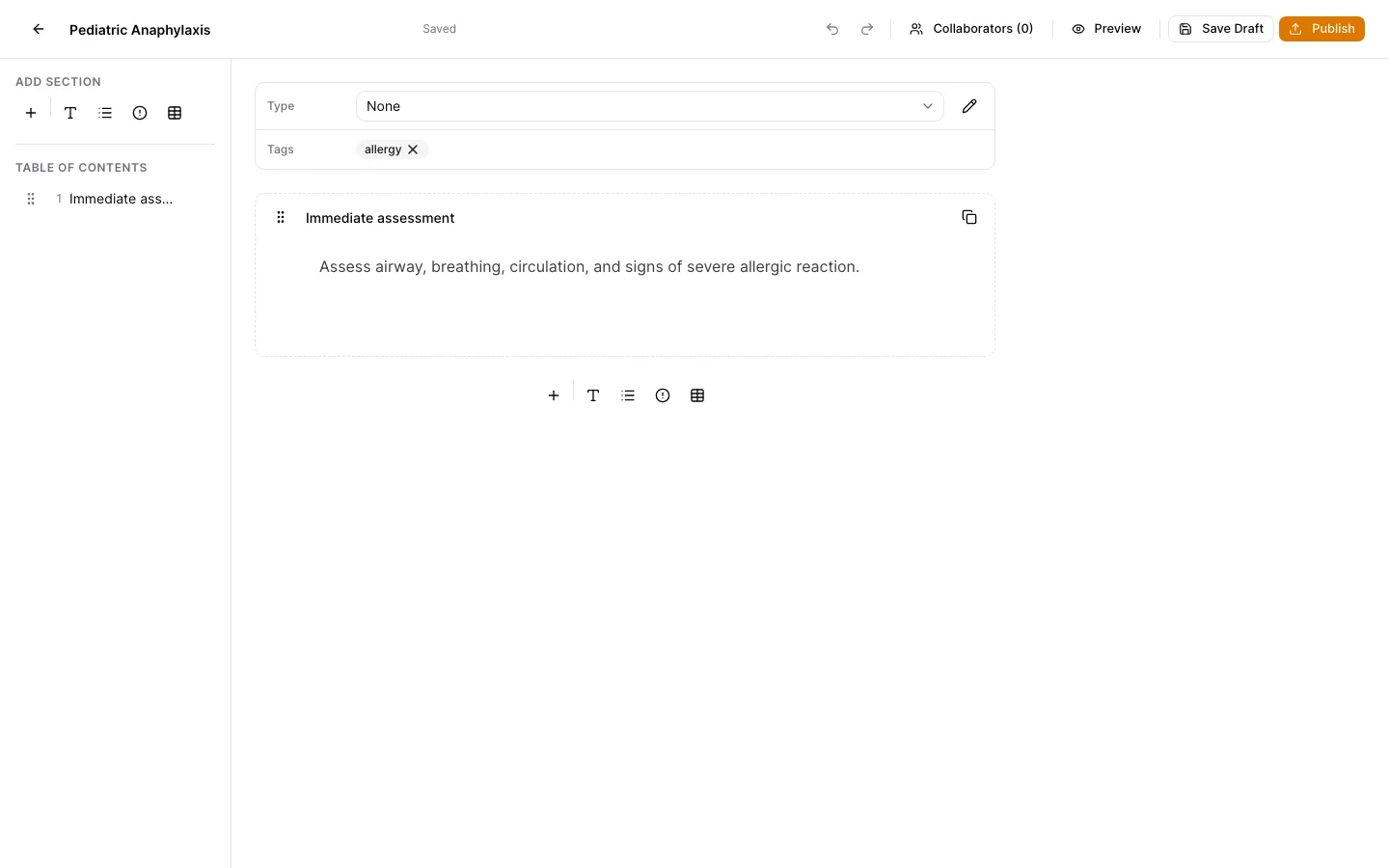
Author and preview the document
Build the policy sections, add useful search tags, and use Preview to review the exact reader experience before publishing.
Publish the reviewed snapshot
Save drafts during review. Publishing creates an immutable numbered policy version that can be read, printed, and assigned as required reading.
Inspect history before changing policy
Open version history to review exact published snapshots. New edits create a new draft and version; they do not rewrite the document previously assigned or acknowledged.
Archive without erasing evidence
Archive a policy when it should leave the active catalog. Historical versions and regulated acknowledgment evidence remain available to authorized users.
Keep support material free of protected information
These examples use synthetic records. Never capture or send patient information, passwords, API keys, access tokens, or real incident details when asking for help.