
Browse all guides
Import an existing protocol
Upload a supported document, review extracted candidates, and publish only after clinical verification.
Prepare the source document
Use an authorized DOCX or text-layer PDF no larger than 10 MB. Remove unrelated material and confirm that the file is the intended version.
Upload and wait for processing
Choose Import from the protocol catalog, select the file, and wait for scanning and parsing to finish. Processing may produce one or more protocol candidates.
Review every extracted candidate
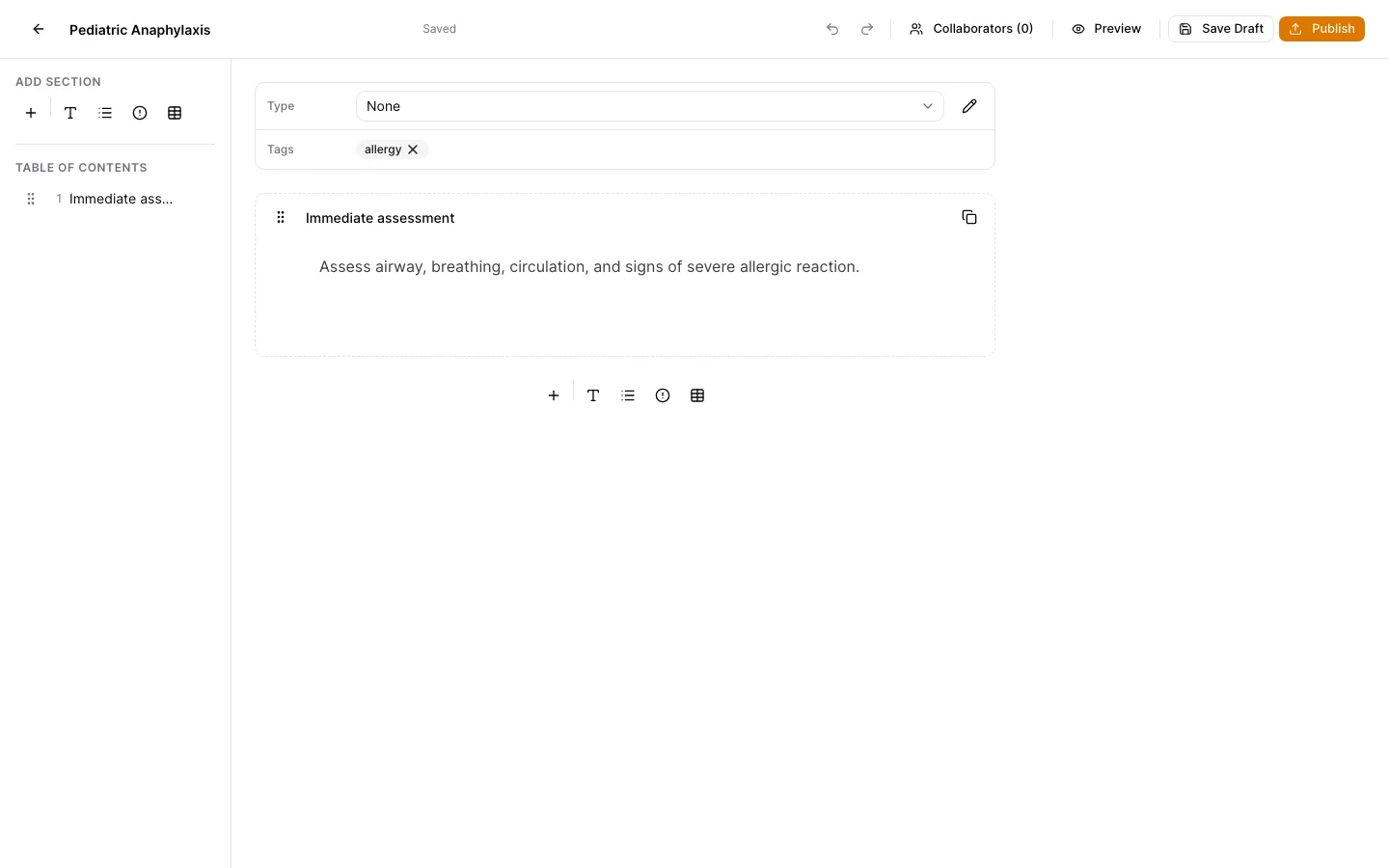
Check the title, section boundaries, text, tables, warnings, taxonomy, and tags against the source document. Correct extraction issues in the candidate editor.
Save the verified draft
Create the draft only after review. Complete the normal protocol approval and publishing process from the editor.
Keep support material free of protected information
These examples use synthetic records. Never capture or send patient information, passwords, API keys, access tokens, or real incident details when asking for help.