
Browse all guides
Patient care reports and amendments
Open protected records, save clinical details, finalize responsibly, and amend without erasing history.
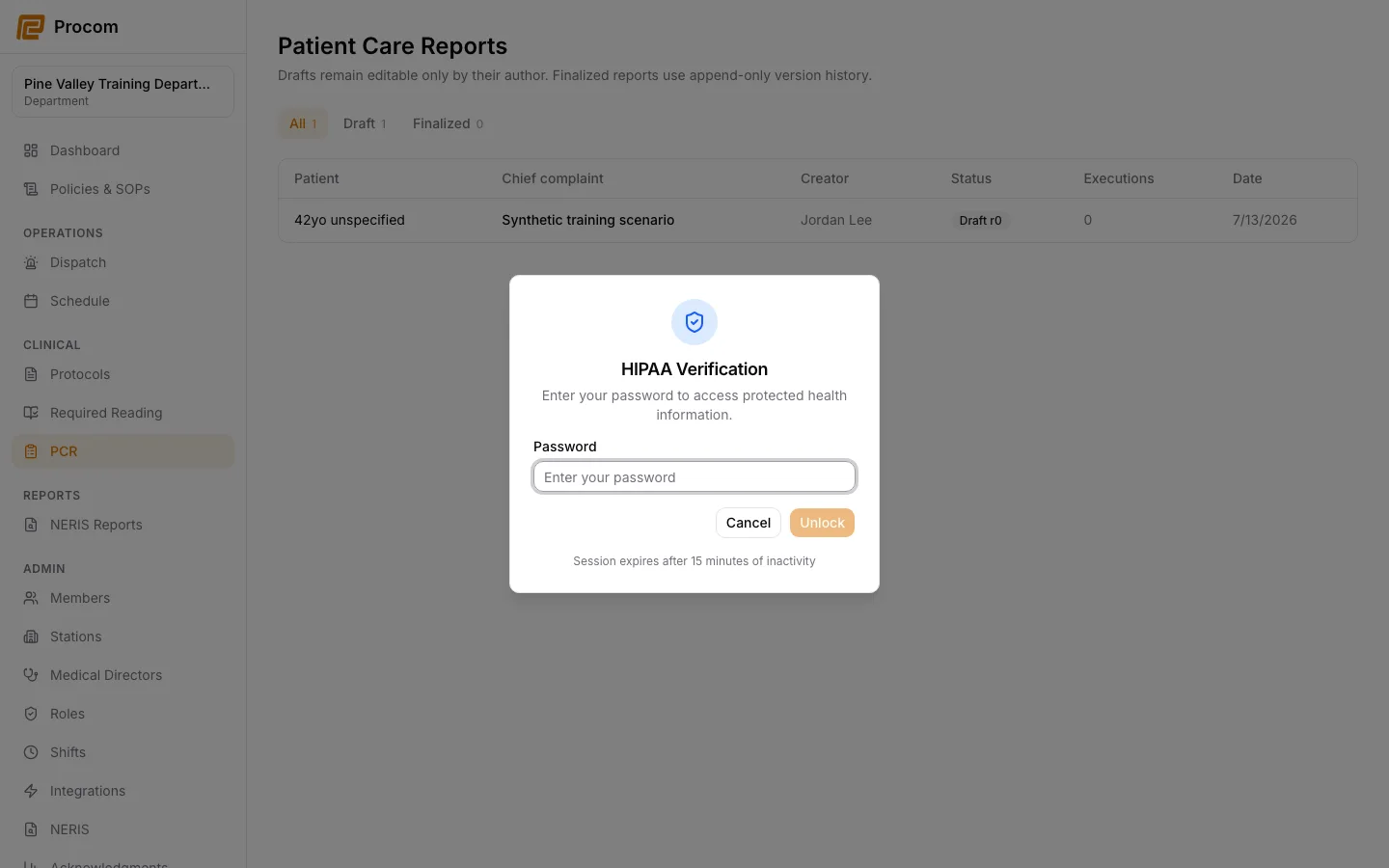
Establish a HIPAA session
Open Clinical → PCR and complete the separate HIPAA verification prompt. This protected session expires independently from your normal sign-in.
Open the correct record
Confirm the incident and record identity before viewing or editing patient information. Access is logged for compliance review.
Save accurate draft information
Enter only the clinical information you are authorized to document. Review proposed field and vital changes before saving a new draft revision.
Finalize after review
The stable original author uses the record’s lifecycle controls only after required information is complete and reviewed. Finalization is irreversible and preserves the effective version and supporting history.
Amend instead of overwriting
When a finalized record requires a correction, use the amendment workflow and provide the required reason. The prior record remains preserved.
Keep support material free of protected information
These examples use synthetic records. Never capture or send patient information, passwords, API keys, access tokens, or real incident details when asking for help.