
Browse all guides
Find and read protocols
Search the current catalog, understand ownership, and verify the published version.
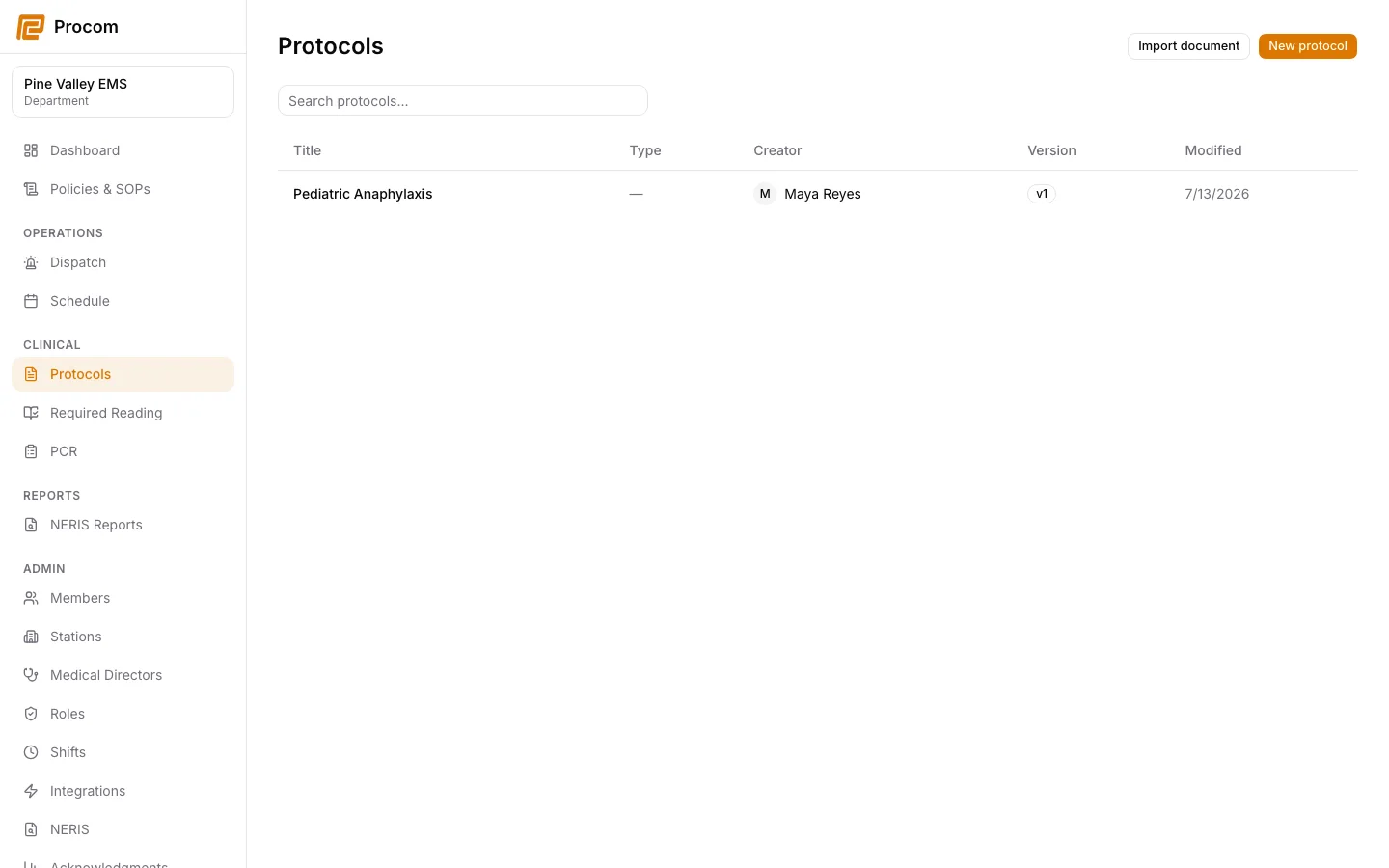
Open the protocol catalog
Open Clinical → Protocols. The catalog combines department-owned protocols with any current catalogs shared by connected medical directors.
Search using field language
Search by title, tag, medication, dose, symptom, procedure, or words found inside sections and tables. Narrow results with the available type filters.
Verify the document before use
Open the result and confirm the protocol title, owner, publication status, and version. Published versions are immutable snapshots.
Read ribbons, sections, and tables in order
Warning ribbons and ordered sections are part of the clinical document. Do not skip directly to a matching search phrase without reviewing the surrounding guidance.
Keep support material free of protected information
These examples use synthetic records. Never capture or send patient information, passwords, API keys, access tokens, or real incident details when asking for help.