
Browse all guides
NERIS reporting and integrations
Configure approved integrations, prepare NERIS reports, validate revisions, and reconcile submissions.
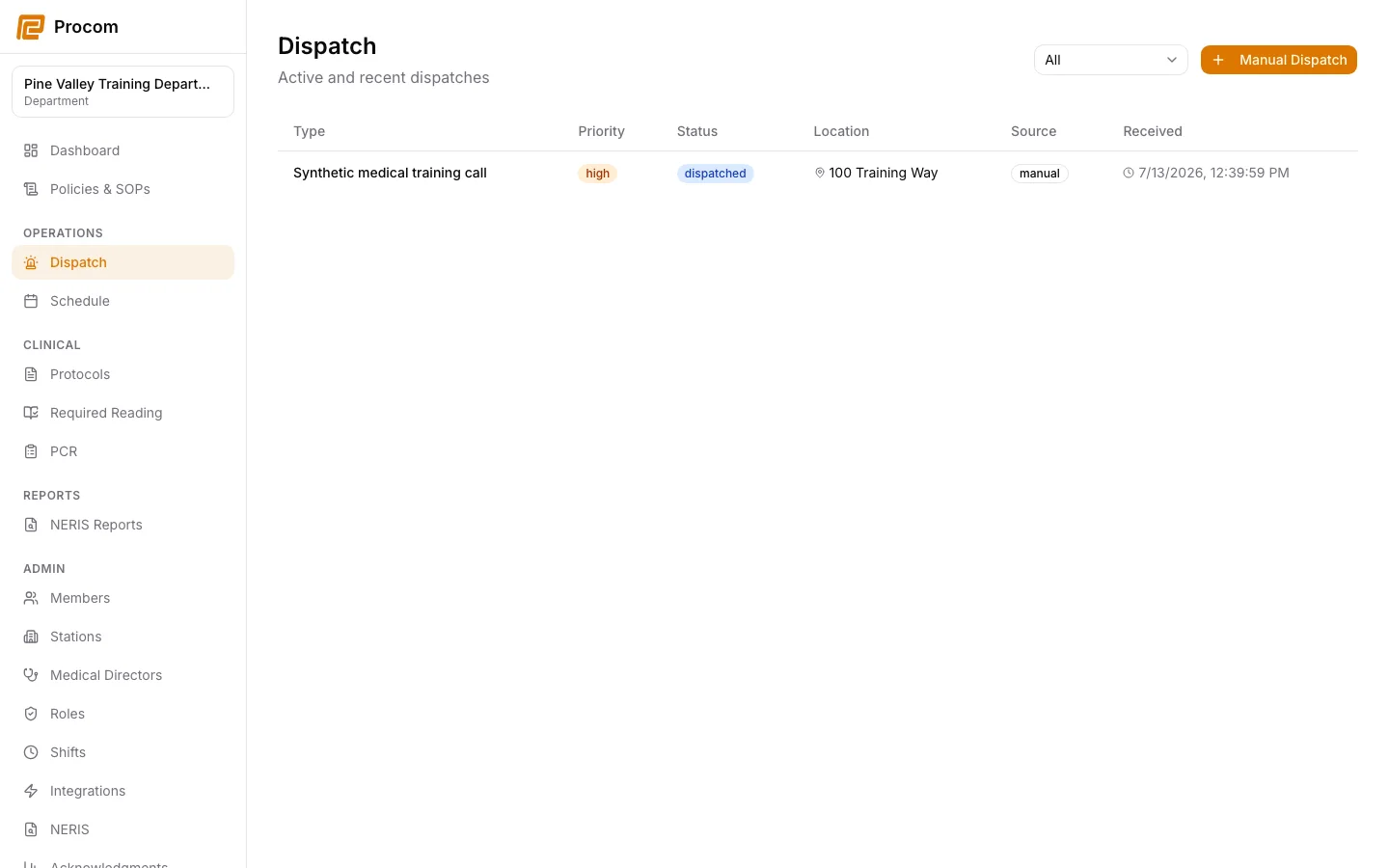
Configure only approved credentials
Use Admin → Integrations and Admin → NERIS for the department’s approved vendor configuration. Test connectivity before depending on an integration operationally.
Generate the report from the correct incident
Open Reports → NERIS Reports and begin from the intended eligible completed dispatch. Review the generated operational data before adding required report fields.
Save and validate the current revision
Complete the required incident fields, save a revision, then validate it. Resolve every validation issue before submission.
Submit once and observe the outcome
Submit the validated revision and wait for the recorded outcome. Do not repeatedly submit after an ambiguous transport response.
Reconcile ambiguous outcomes
If Procom reports that NERIS may have accepted the submission, use the reconciliation workflow to establish the vendor outcome before retrying.
Keep support material free of protected information
These examples use synthetic records. Never capture or send patient information, passwords, API keys, access tokens, or real incident details when asking for help.