
Browse all guides
Dispatch workflow and recommendations
Review incidents, open recommendations, update response status, and move into clinical work.
Video walkthrough
Move from dispatch to the clinical record
Read video transcriptShow
- 01Open Dispatch to review active incidents and their priority.
- 02Open an incident to review the assigned units and any protocol recommendations.
- 03After care begins, use the linked clinical workflows to document execution and the patient care report.
- 04Use Schedule to confirm shift coverage and assignment details.
Start from the dispatch board
Open Operations → Dispatch. Use priority, status, time, and assigned units to identify the incident that needs attention.
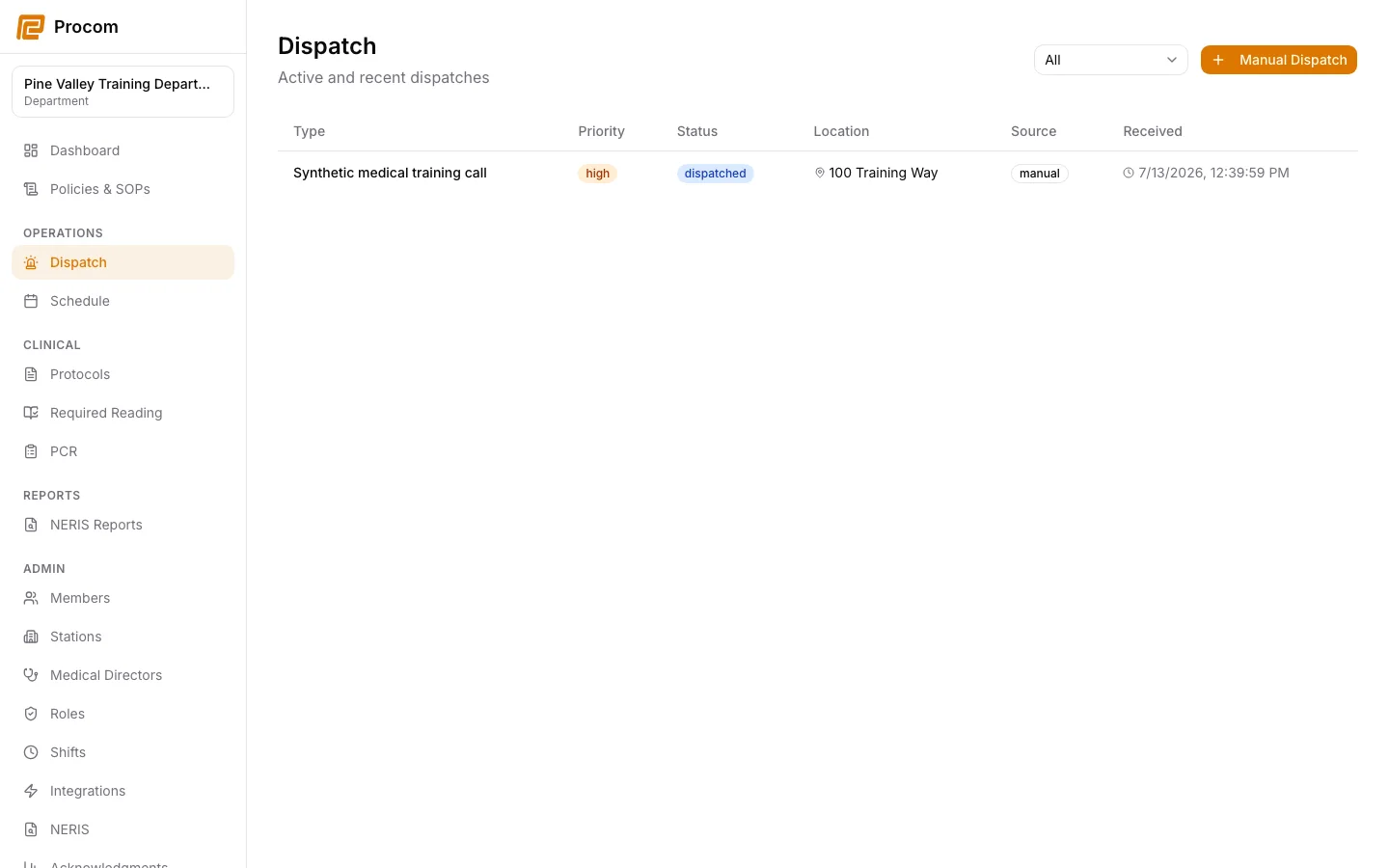
Open the incident details
Confirm the incident identifier, location information available to your role, assignment, and current operational status before taking action.
Review protocol recommendations
When recommendations are available, open the matching protocol and verify its title and published version. A recommendation helps navigation; clinical judgment and department policy still govern care.
Continue into the clinical record
Use the incident’s linked workflows for guided protocol execution and the PCR. Keep the incident open until operational and clinical documentation are complete.
Keep support material free of protected information
These examples use synthetic records. Never capture or send patient information, passwords, API keys, access tokens, or real incident details when asking for help.