
Browse all guides
Dispatch & schedulingRespondersChiefs & admins
Schedule and shifts
Review coverage, understand assignments, and administer shift definitions.
5 minVerified guidanceReviewed Jul 13, 2026Synthetic examples only
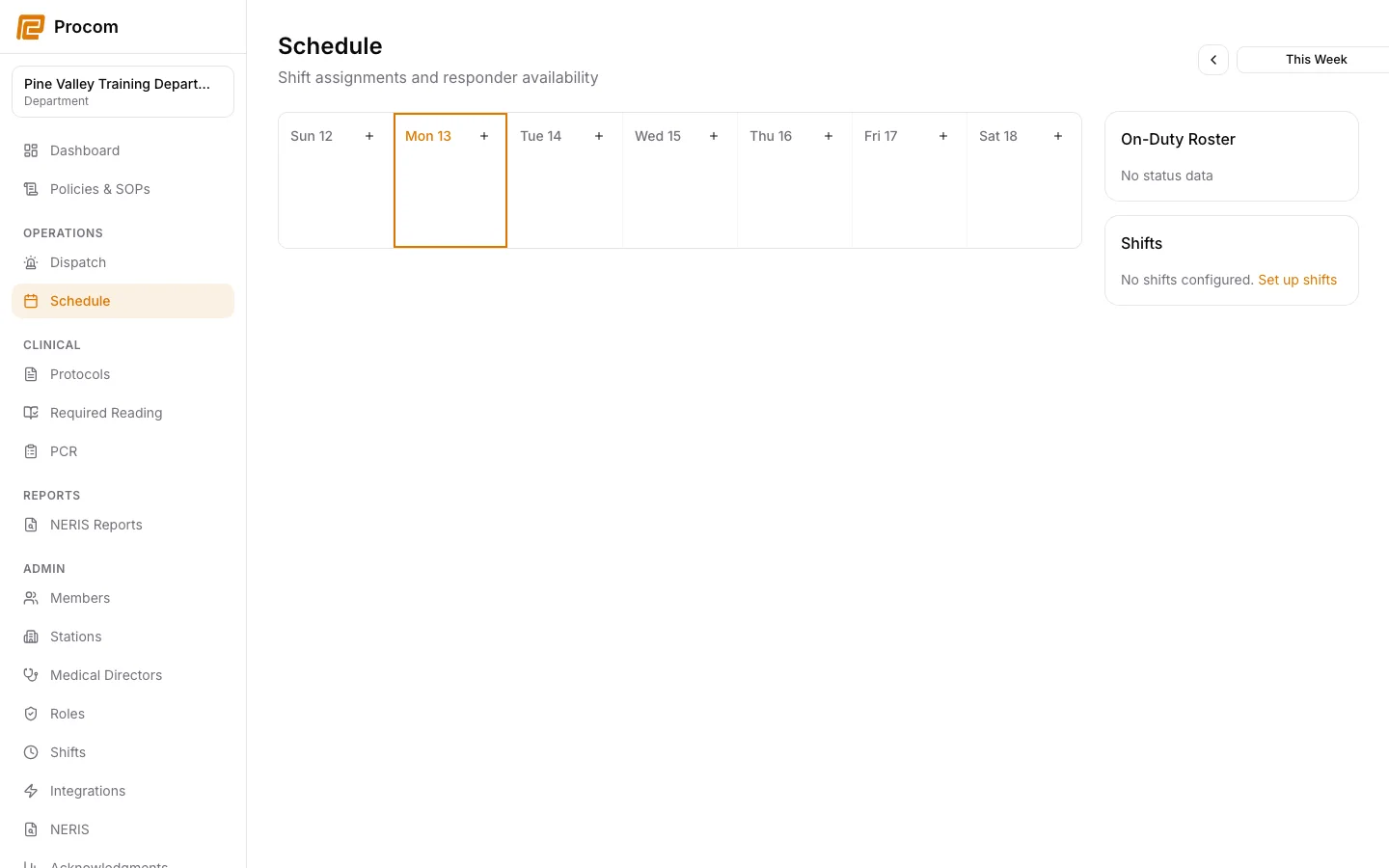
Review the department schedule
Open Operations → Schedule to see the shifts and assignments available to your department role.
Confirm your assignment
Check the shift time, assignment, station, and any unit information before relying on the schedule for duty coverage.
Manage shift definitions
Owners and admins use Admin → Shifts to create and maintain the department’s reusable shift definitions.
Handle changes deliberately
When coverage changes, confirm the updated assignment in Procom and follow your department’s normal notification policy.
Keep support material free of protected information
These examples use synthetic records. Never capture or send patient information, passwords, API keys, access tokens, or real incident details when asking for help.