
Browse all guides
Department integrations
Configure approved RapidSOS or SmartCOP connections, test them safely, and monitor imported dispatches.
Confirm the approved integration and environment
Before entering configuration, confirm the vendor account, department authorization, endpoint or polling mode, and whether the connection is a sandbox or production integration.
Enter credentials in the integration settings
Open Admin → Integrations and use the vendor-specific form. Enter secrets only in the designated protected fields; never place them in notes, feedback, screenshots, or this guide.
Run the supported connection test
Use the page’s test action and read the resulting state. A successful transport test does not replace an end-to-end staging exercise with an authorized synthetic incident.
Confirm imported dispatch behavior
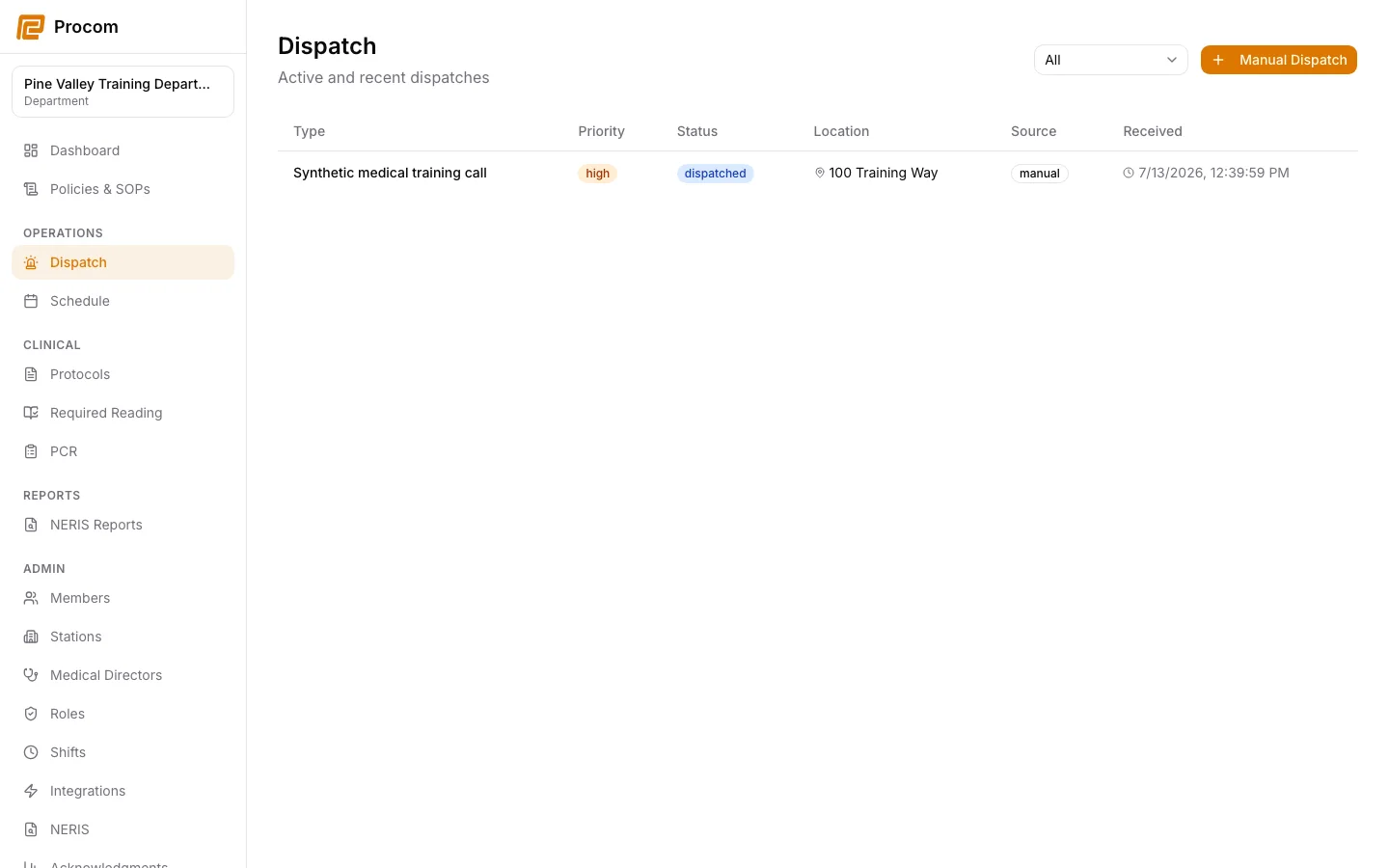
Review the Dispatch workspace for the expected source label, incident identity, timestamps, priority, and unit assignment. Investigate duplicate or malformed inputs before operational use.
Rotate or disconnect safely
Follow vendor and department policy when rotating credentials or disconnecting. Test the new state and preserve required audit evidence without exposing the credential itself.
Keep support material free of protected information
These examples use synthetic records. Never capture or send patient information, passwords, API keys, access tokens, or real incident details when asking for help.