
Browse all guides
Medical directors and shared catalogs
Connect a medical director, understand document ownership, and use shared protocol catalogs.
Send the connection request
Owners and admins use Admin → Medical Directors to request the appropriate director by email. The relationship does not activate until the invited person accepts.
Understand ownership
A medical director’s protocols remain owned by that director. Connected departments consume the current published catalog without forking the source document.
Confirm the shared catalog
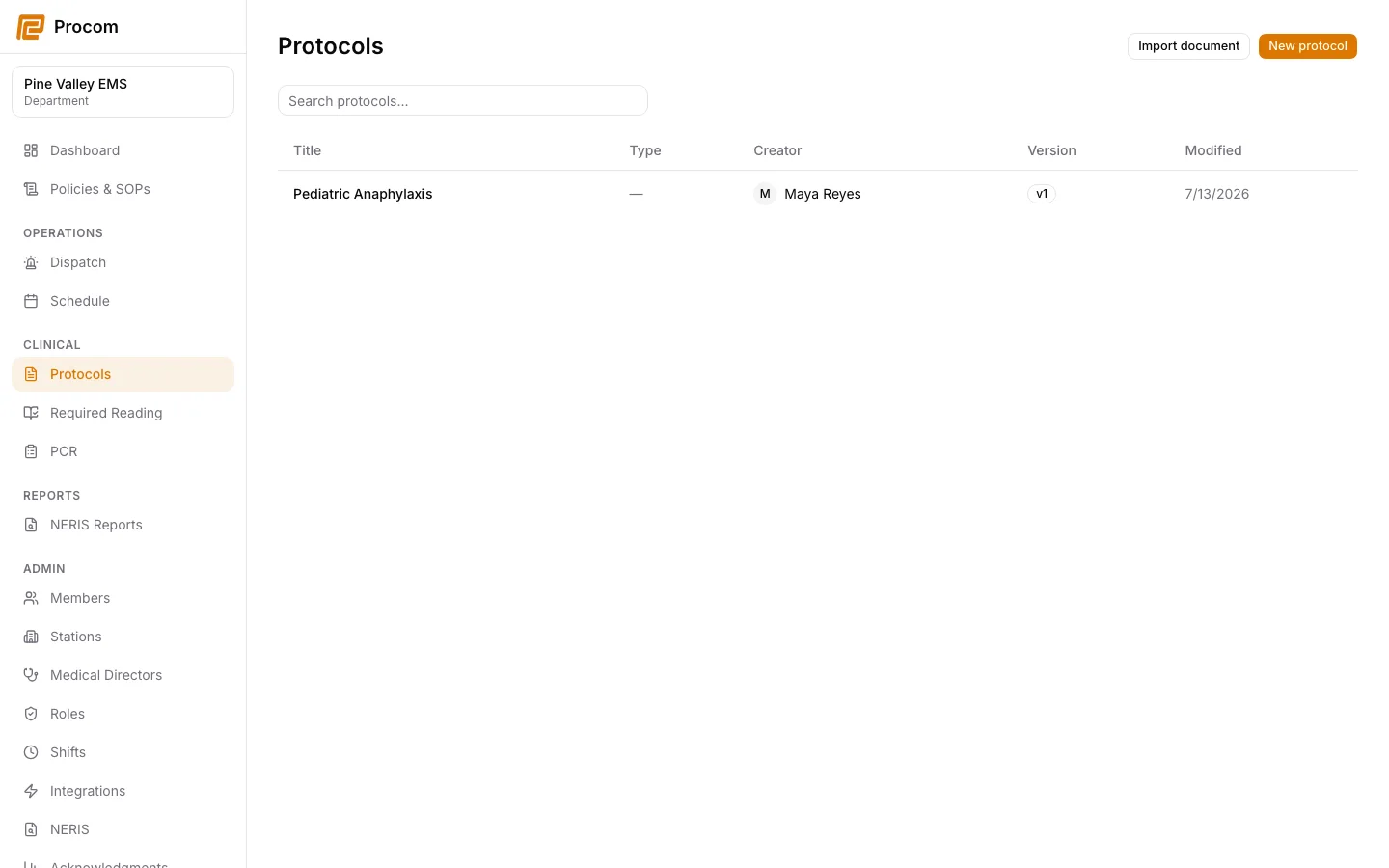
After acceptance, open Protocols and confirm that the director-owned catalog appears with the correct ownership labels.
Publish updates from the owner context
The authorized owner edits and publishes the protocol. Connected departments then receive the current published version through the shared catalog.
Keep support material free of protected information
These examples use synthetic records. Never capture or send patient information, passwords, API keys, access tokens, or real incident details when asking for help.