
Browse all guides
Account, profile, and departments
Understand your department, switch station views, update your profile, and sign out safely.
Keep your profile current
Open Account → Profile to review the name displayed in activity, authorship, and collaboration views.
Choose your station view
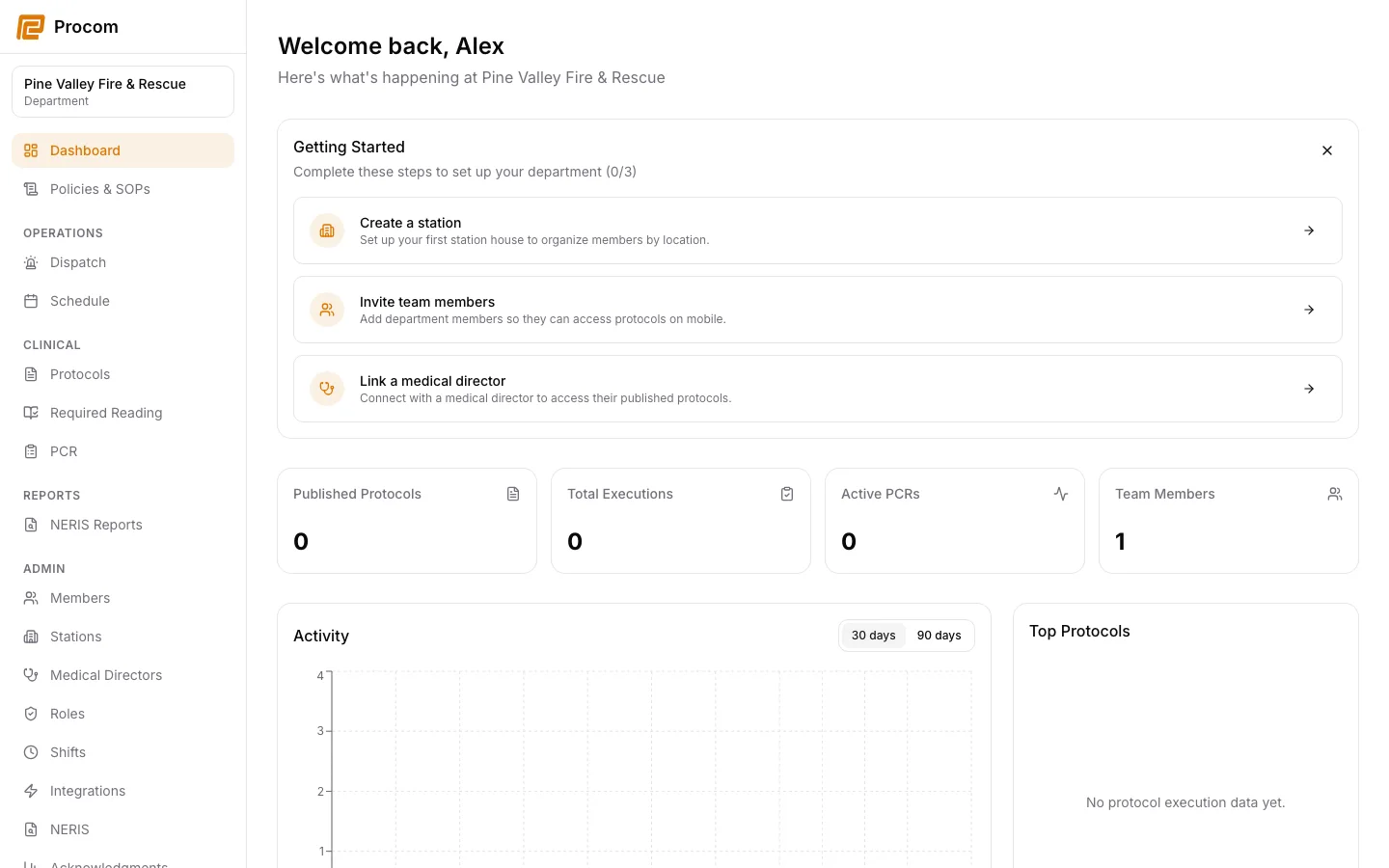
Your account belongs to one department. Use Station view below its name in the navigation to choose an assigned station or All accessible stations. The choice follows you between activity, dispatch, PCR lists, and staffing screens, and is remembered for this signed-in browser session. On a phone-sized browser, open navigation to change it.
Choose an appearance
The Theme control supports light, dark, and system modes. The selection follows the browser on that device.
Sign out on shared devices
Use Sign out when leaving a shared workstation. Procom clears protected client state and the active HIPAA session during sign-out.
Keep support material free of protected information
These examples use synthetic records. Never capture or send patient information, passwords, API keys, access tokens, or real incident details when asking for help.