
Browse all guides
Start hereAll roles
Welcome to Procom
Create your account, join or create a department, and learn the main navigation.
5 minVerified guidanceReviewed Jul 13, 2026Synthetic examples only
Video walkthrough
Create an account and open your first department
0:09Captions
Read video transcriptShow
- 01Open the registration page and enter your name, work email, and a strong password.
- 02After registration, choose Create new department and enter the department name and URL slug.
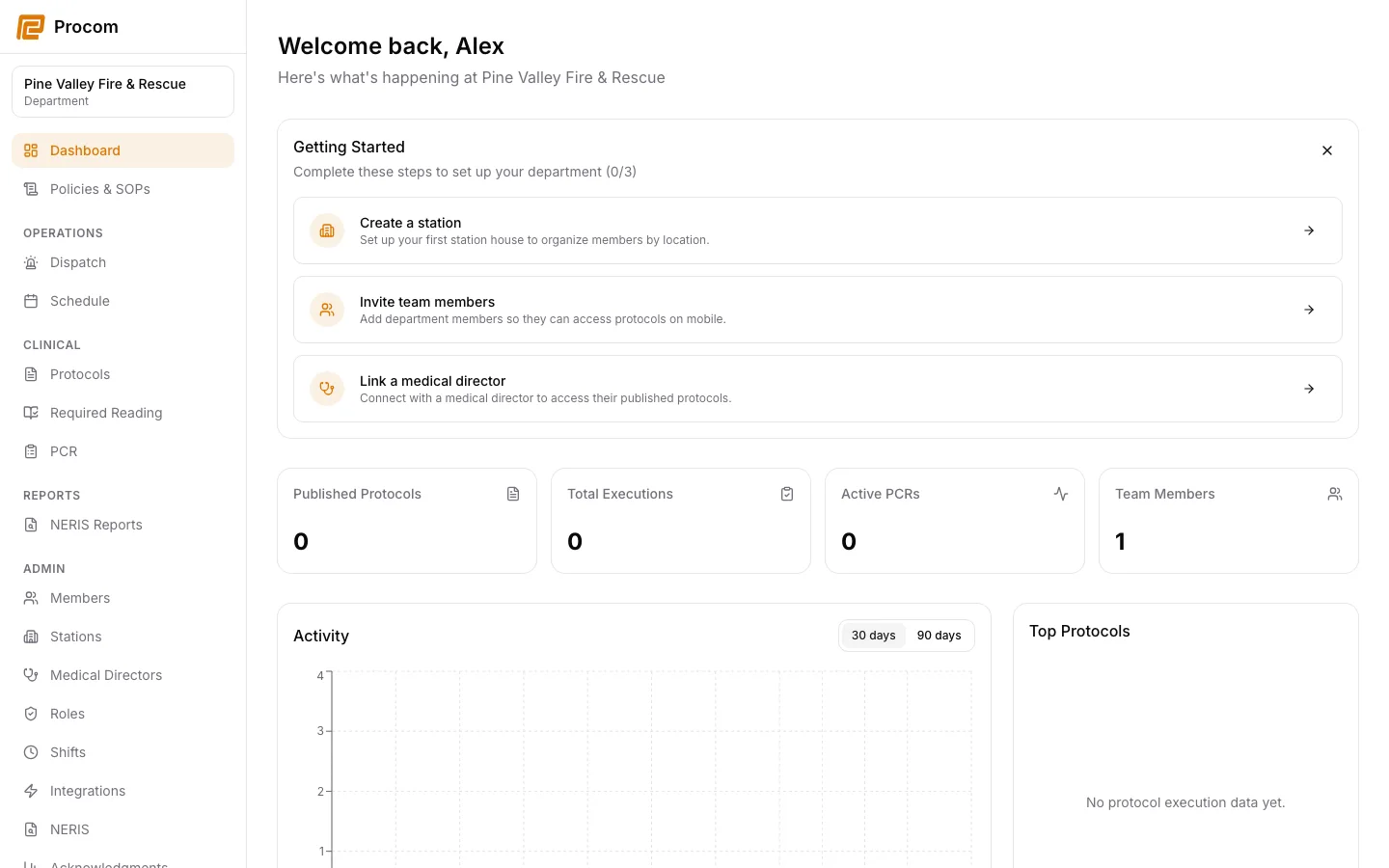
- 03Procom opens the dashboard for the new department. Use the left navigation to reach each workspace.
Sign in or create your account
Use your individual work account. Do not share sign-in credentials between crew members; Procom records important actions against the signed-in user.
- New users choose Create account and enter their full name, work email, and password.
- Existing users choose Sign in. If an invitation is pending, use the invitation link sent by your department.
Choose the active department
Your active department controls which protocols, incidents, schedules, records, and settings you can see.
- Accept an invitation to join an existing department.
- Owners can create a new department from the department chooser.
- If you belong to more than one department, use the department switcher at the top of the app navigation.
Use the dashboard as your starting point
The dashboard summarizes the work available to your role. Responders see field-oriented shortcuts; owners and admins also see department setup and reporting information.
Keep support material free of protected information
These examples use synthetic records. Never capture or send patient information, passwords, API keys, access tokens, or real incident details when asking for help.